

请问这个问题有什么进展吗
确认这是一个已知问题,绕过方式:
操作方法如下:
-
在主机上新建一个tmp目录, 将 /home/admin/ocp_agent/conf/module_config/monitor_ob.yaml 拷贝到tmp目录下,同时建议另外建一个backup目录先备份下这个配置文件。
-
修改 monitor_ob.yaml 的内容,在ob_query_rt 的采集配置下将enableCache改为true,即下面截图,
-
在 tmp 目录下创建一个push.py 的执行推送的脚本,脚本内容:

#!/usr/bin/python

import base64
import httplib
import json
import sys


def main():
  host = sys.argv[1]
  userPswd = sys.argv[2]
  op = sys.argv[3].lower()
  c = httplib.HTTPConnection(host)
  header = {
    "Authorization": "Basic " + base64.b64encode(userPswd),
    "Content-Type": "application/json"
  }
  if op == "get":
    c.request("GET", "/api/v2/compute/hosts/moduleConfigChanges", None, header)
  else:
    fileName = sys.argv[4]
    content = ""
    if op == "set":
      content = sys.stdin.read()
    print("%s %s" % (op, fileName))
    q = {
      "changes": [{
      "operation": op,
      "scopeType": "global",
      "scope": "",
      "fileName": fileName,
      "content": content,
      }]
    }
    body = json.dumps(q)
    c.request("POST", "/api/v2/compute/hosts/moduleConfigChanges", body, header)
  r = c.getresponse()
  print(r.status)
  print(r.read())

if __name__ == '__main__':
  main()
- 依次执行下面两条命令推送配置文件,需要将命令中的ip、port、username、password 替换成OCP的ip、端口、用户名、密码。
python push.py ip:port username:password set monitor_ob.yaml < monitor_ob.yaml
- 然后到主机上确认下agent的 monitor_ob.yaml 中的内容是否已经更新;
- 最后需要到OCP metadb 中将 compute_host_agent_module_config_change 表里的对应记录删除,否则会影响后面的ocp-agent升级。执行语句如下:
delete from compute_host_agent_module_config_change where file_name in ('monitor_ob.yaml');
1 个赞
老师,第四部OCP的IP 端口 用户名 密码 是指OCP平台的还是指OCP主机的
实在不行换Prometheus吧
OCP平台的
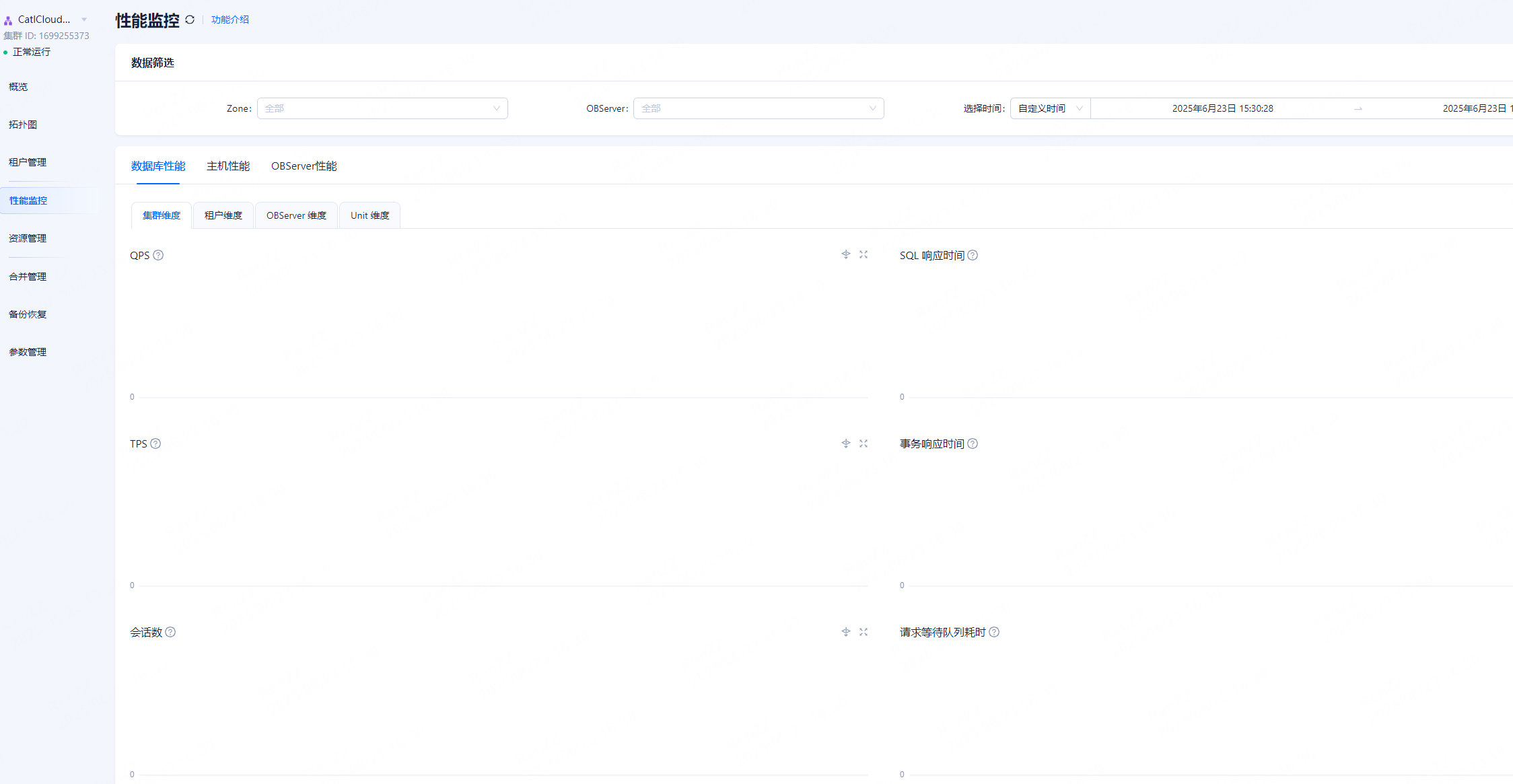
社区版 有没有 版本bug记录,升级 也好绕开这个 坑。
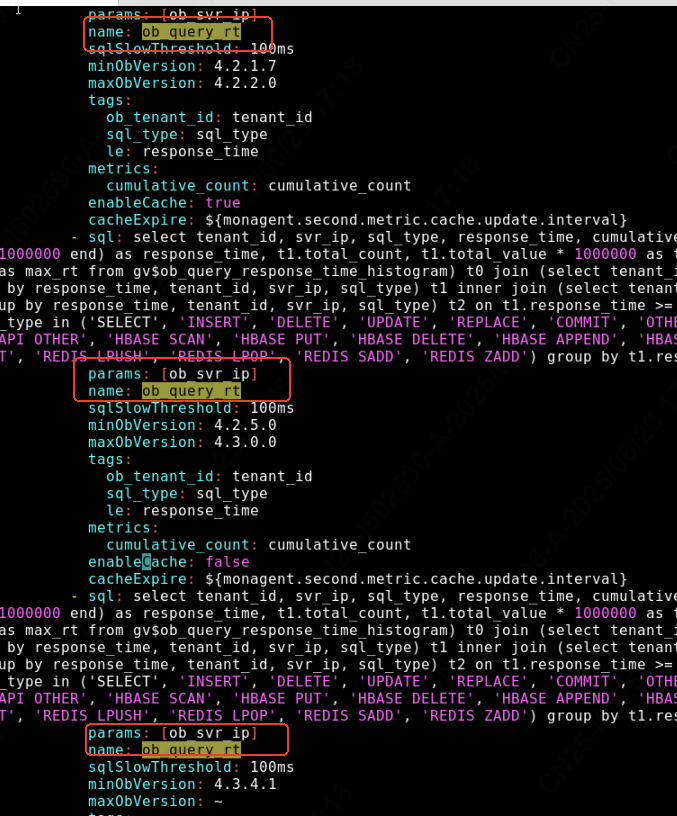
name: ob_query_rt 有好几个,都要改吗?
我再咨询下OCP老师
都改下
1 个赞
扩散一下