【 使用环境 】测试环境
【 使用版本 】 OMS 版本号: 4.2.10_CE
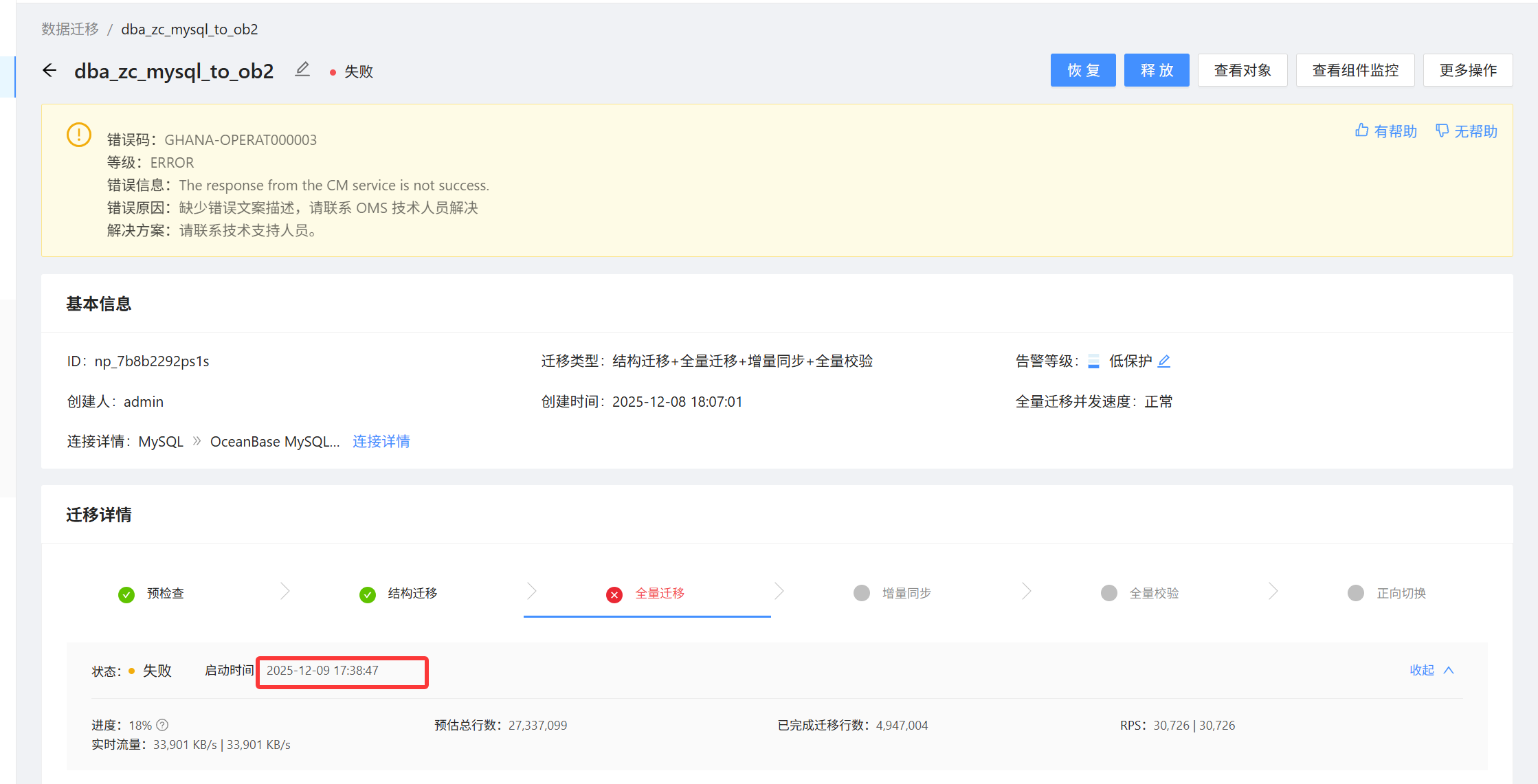
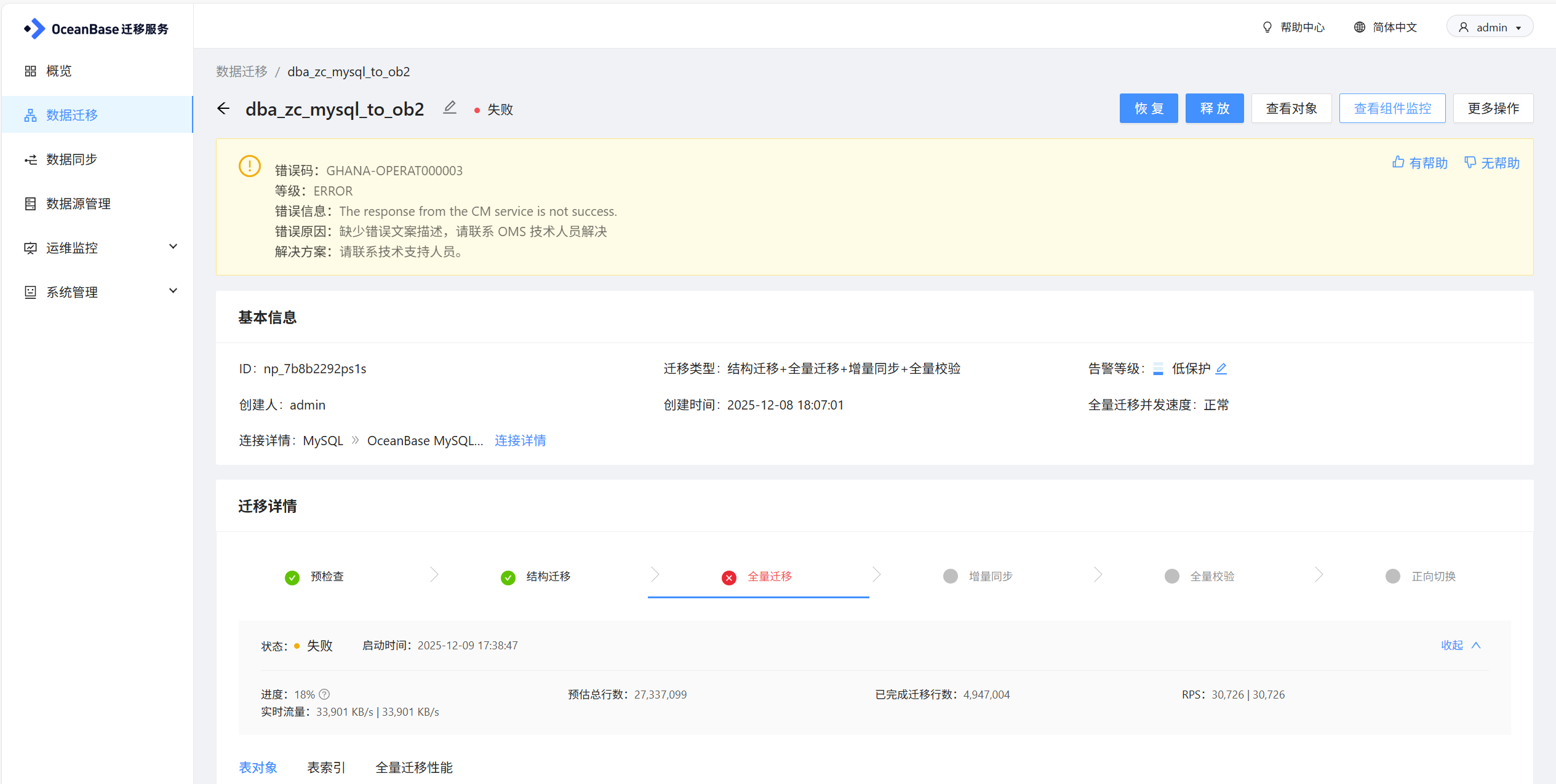
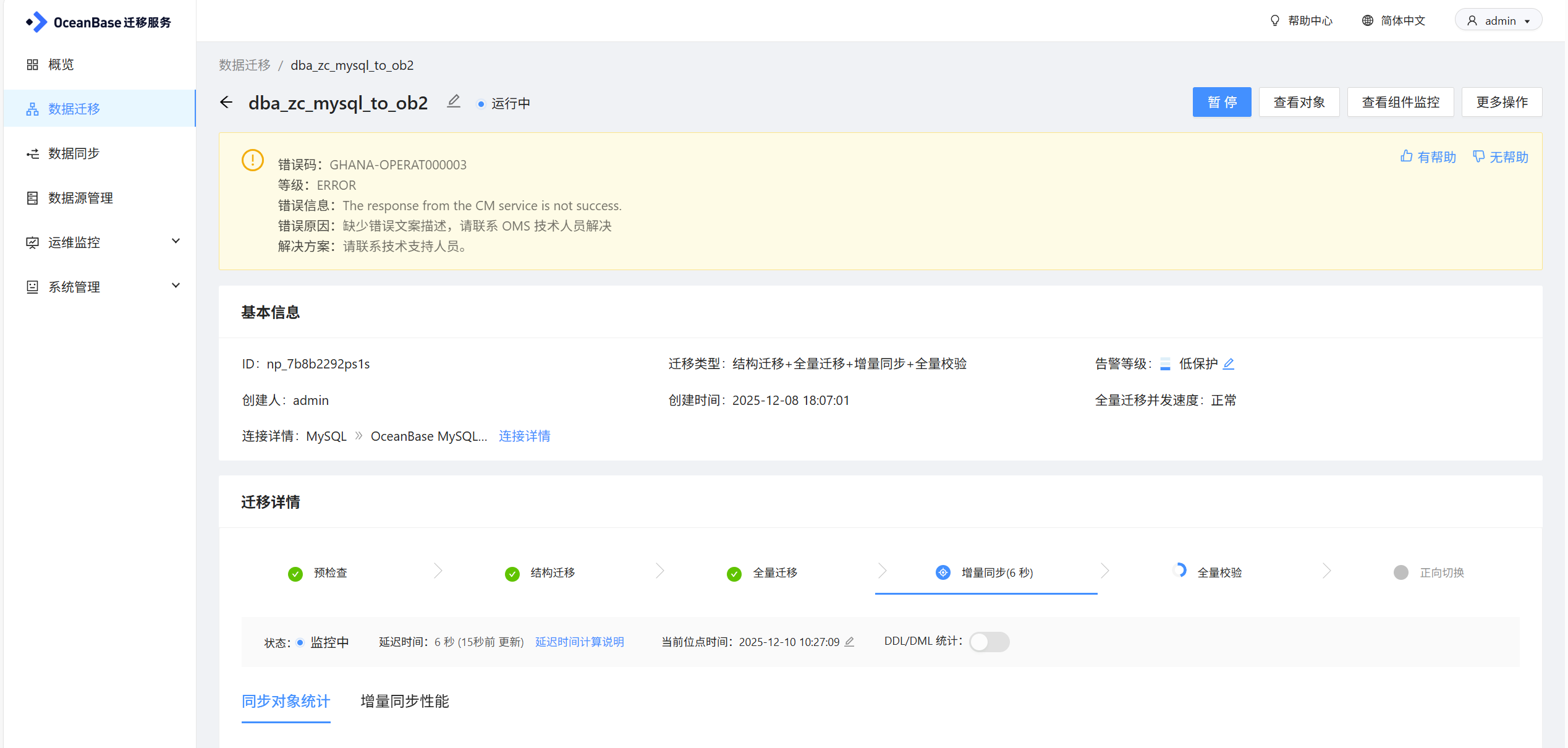
【问题描述】OMS 从mysql同步ob,mysql 4个表 数据量21G,全量同步失败,报 The response from the CM service is not success.

需求:如何排错与优化
【 使用环境 】测试环境
【 使用版本 】 OMS 版本号: 4.2.10_CE
【问题描述】OMS 从mysql同步ob,mysql 4个表 数据量21G,全量同步失败,报 The response from the CM service is not success.
error.log页签,查看具体的报错信息
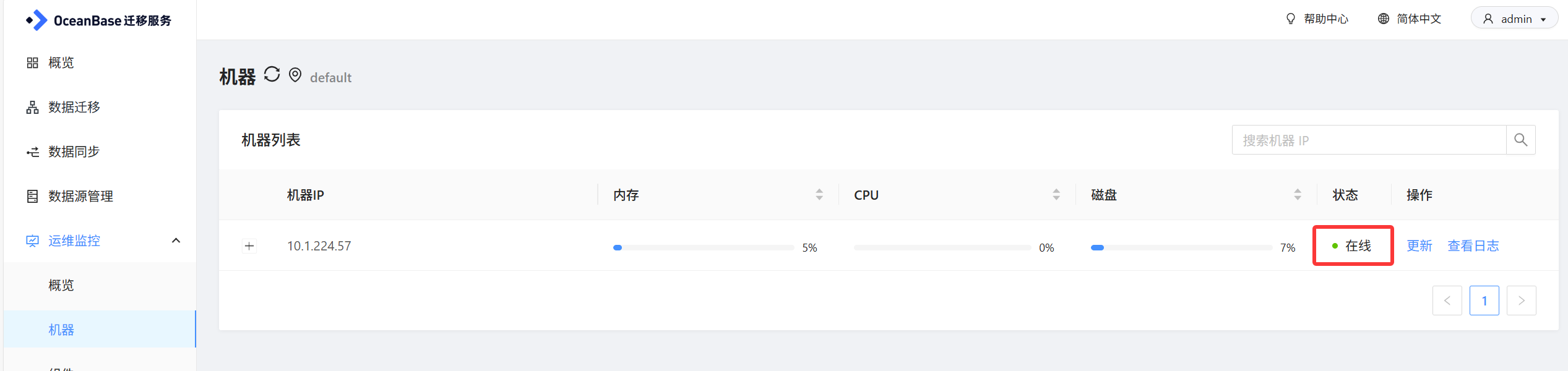
看一下机器是否在线
docker stats,检查 OMS 容器占用的资源。执行supervisorctl status,看一下各个组件的状态是否正常。
再发下日志 /home/admin/logs/ghana/Ghana/common-default.log、common-error.log
进入mos的docker,查看服务的状态是否正常。supervisorctl status
日志里显示查询数据库报错Internal error了,Cause: java.sql.SQLException: Internal error
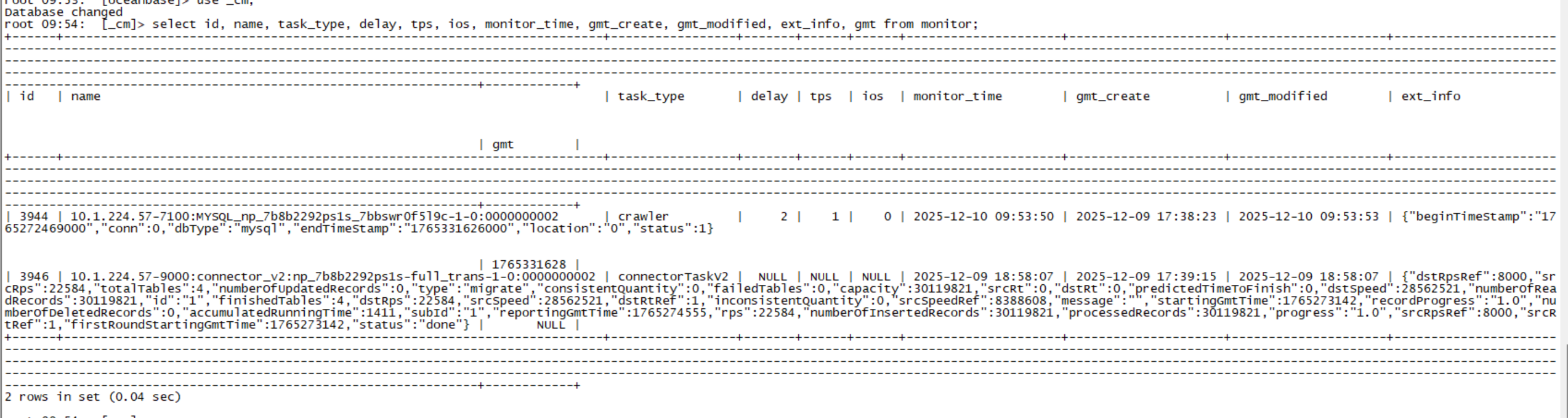
在oms里连接元数据库cm库,执行一下这个sql试一下
select id, name, task_type, delay, tps, ios, monitor_time, gmt_create, gmt_modified, ext_info, gmt from monitor
WHERE 1 = 1 AND name IN (‘全量组件ID’)
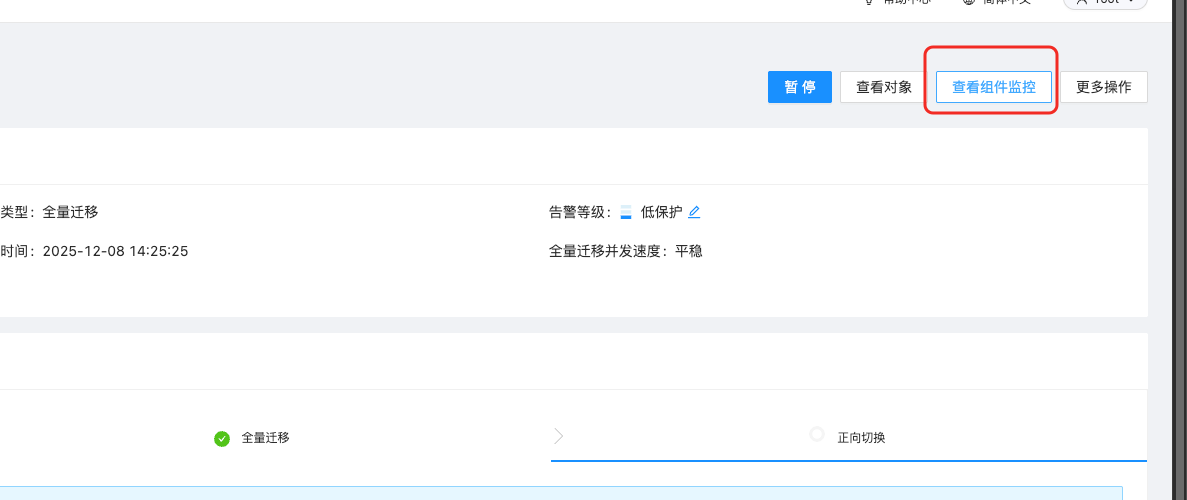
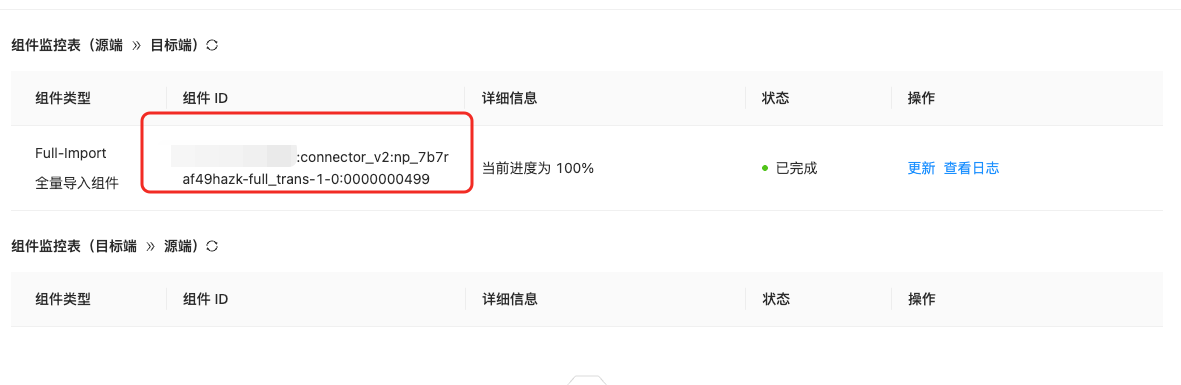
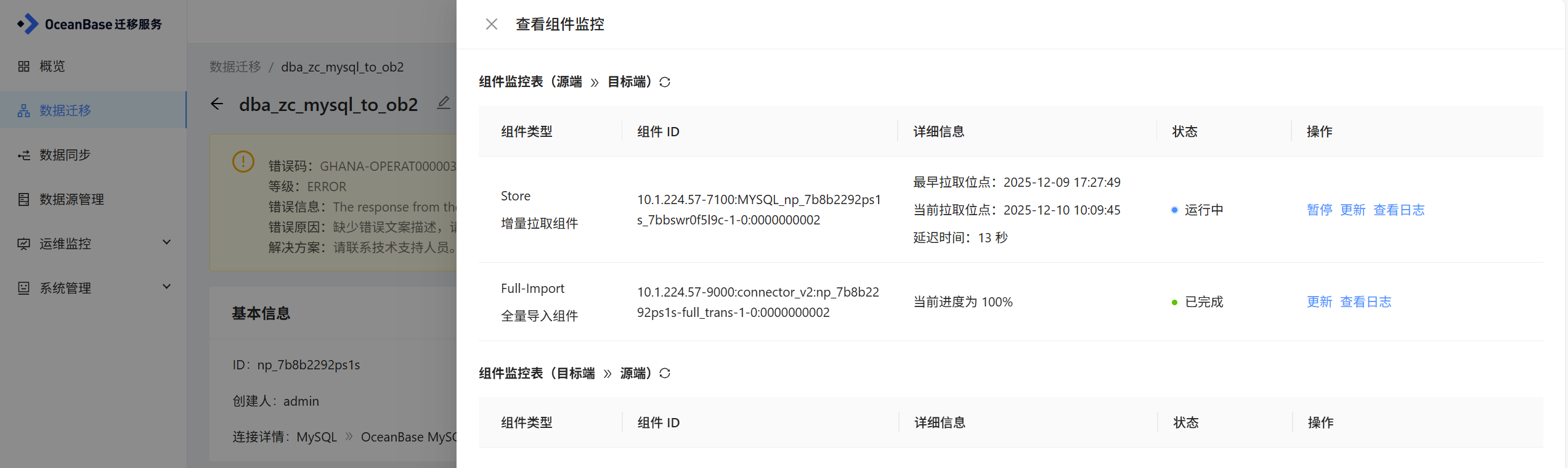
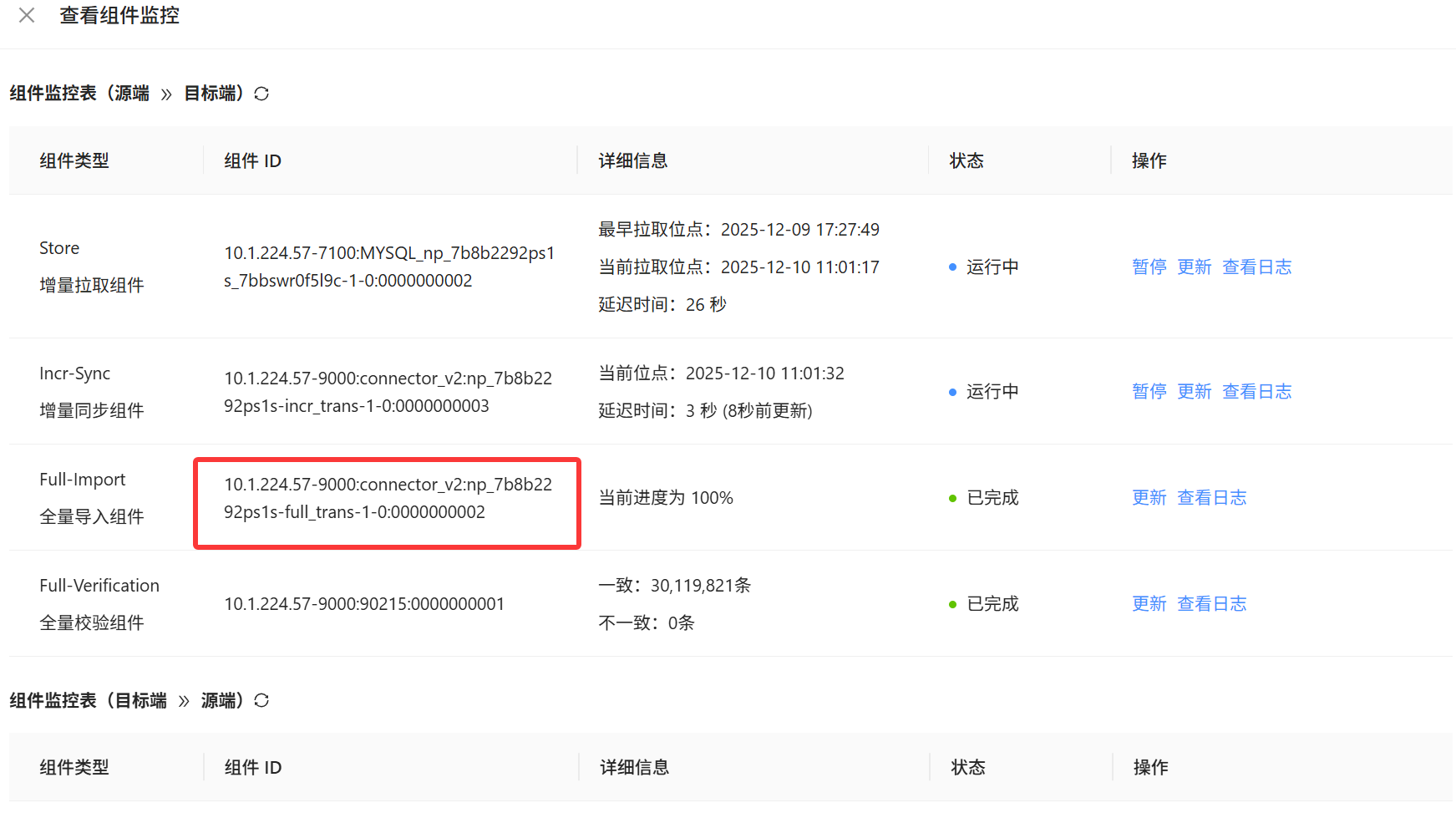
组件监控截个图看下,状态还是失败吗
全量组件状态是正常的就没问题,点一下恢复看看
select id, name, task_type, delay, tps, ios, monitor_time, gmt_create, gmt_modified, ext_info, gmt from monitor
WHERE 1 = 1 AND name IN (‘全量组件ID’)
试一下元数据库cm库查询这个正常吗,带上where,报错原因是cm查询这个表时数据库报错Internal error了。
cm 报错时间点的日志也麻烦发一下 /home/admin/logs/cm/log/cm-web.log、service.log
用ctl搂一眼看看,或者详细日志中分析一下这个详细报错
Cause: java.sql.SQLException: Statement timeout occurred, please set the variable ob_query_timeout to a larger value an then restart the statement
; uncategorized SQLException for SQL []; SQL state [25000]; error code [4012]; Statement timeout occurred, please set the variable ob_query_timeout to a larger value an then restart the statement; nested exception is java.sql.SQLException: Statement timeout occurred, please set the variable ob_query_timeout to a larger value an then restart the statement
cm日志里有些执行超时的报错,元数据库查一下SHOW VARIABLES LIKE ‘ob_query_timeout’; 可以把超时时间加长一下